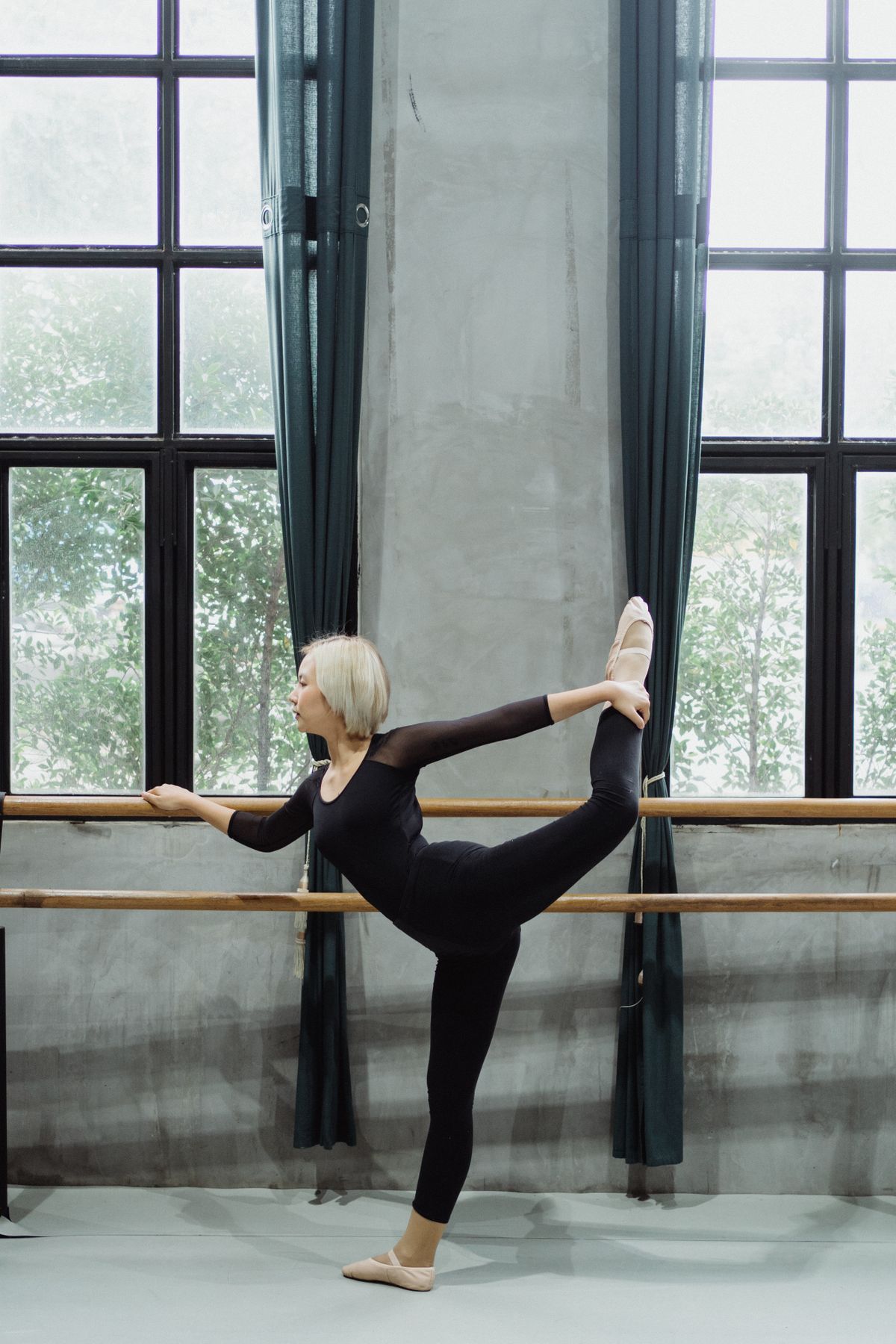
Run a smoother day.
Classes, private sessions, rosters and staff tasks, all within reach.
Bring your schedule, memberships, payments and team together. Spend less of your day on admin—and more of it on the people who make your studio.

Make room for
what you do best.
Classes, private sessions, rosters and staff tasks, all within reach.
Memberships, member profiles and a booking experience that feels like your studio.
See attendance, recorded revenue and member-care signals without piecing it all together.
Explore the tools that bring your people, your classes and your business together.
Bring memberships, retail and payment records together. Connect a supported processor so your studio stays in control of its money.
Explore studio payments Studio checkout
Schedule your front desk and instructors, track clock-ins and review timecards in Shyft Lyfe. Connected studios can see employee records, published shifts and approved hours in StudioFlowIQ.
Try the workforce demoBring classes and private appointments into your team’s rhythm. Set instructors, rooms and capacity, then keep every roster within reach.
Explore schedulingUse StudioFlowIQ to look up members and approved overnight guests by name or confirmation code. Staff can verify access and check eligible guests in from the same workspace.
Try an eligible guest or a guest whose stay has ended. This preview uses sample data.
 THE WORK BEHIND THE WORKOUT.
Offer private training. Give members a challenge to work toward. Keep the behind-the-scenes work moving with your team.
Services, pricing and conflict-aware session booking.
Recurring team tasks, referrals and attendance challenges.
Workout programming, private results and your video library.
Members book a class, check their credits and keep their QR pass close. Your team gets clearer rosters, useful member details and fewer scattered steps.
Your next good hour is waiting.
 YOUR NEXT CLASS
9:30 AM · Studio two
You're bookedBooking. Credits. Private sessions. All close at hand.
You don’t need to figure it all out on your own. Start with a conversation about your studio.
We’ll walk through the tools around your classes, team and members.
Review your setup, memberships and supported payment connection.
Bring your team into a private workspace and help members get started.
Choose Power, Flow or Grow to match the way your studio works. Independent instructor? Explore Solopreneur for your own business.
For independent instructors, personal trainers and fitness professionals building their own business.
$39 / monthConfirm your plan and onboarding with our team. No payment is collected by requesting a demo.
Payment processing and third-party services are billed separately and require provider setup.
The everyday essentials for a studio finding its rhythm.
Let’s find your fit.
Your studio essentials:
A smoother front desk and a clearer view of your business.
Let’s find your fit.
Everything in Power, plus:
Bring your studio’s story to life and make room for growth.
Let’s find your fit.
Everything in Flow, plus:
Monthly studio software plans · Your rate and terms are confirmed during your demo, before you commit. Payment processing and third-party services are billed separately. Studio access is activated by private invitation after your demo.
Power brings your schedule and members together. Flow adds tools for front desk operations, retail and performance reporting. Grow adds campaign design, targeted audience exports and growth insights. We’ll walk through your needs in a personal demo and confirm your package before activation.
Connect a supported studio-owned payment processor, such as Square or Stripe, when configured and approved. Your processor handles card payments and deposits to your bank. Processing fees, account approval and any ACH availability depend on that provider. Manual payment tracking is available in the workspace.
Grow sends saved Ready newsletters through the connected Resend provider after sender setup. Shared free allowance is 100 recipients per day and 3,000 per month. Automated journeys, text campaigns and AI phone answering are not included in this release. Studio IQ uses calculations from your saved records.
StudioFlowIQ is built for boutique fitness businesses, including Pilates, yoga, barre, cycling, strength and HIIT. A personal demo helps you see how scheduling, memberships and daily operations fit the way you work.
StudioFlowIQ supports a studio-owned Square connection, alongside Stripe. Live processing requires a configured and approved provider account. Processing fees and hardware compatibility depend on your provider and setup.
The migration tools support CSV mapping, validation and preview for members, plans, instructors and class schedules. We’ll review your data and migration needs during onboarding. Payment credentials are not imported.
Members can use the mobile web portal and install the web experience on a supported device. Native app releases are separate from the current web experience.
Book a demo to explore the platform and confirm your plan. Studio access is activated through a private invitation. Existing customers can use Studio sign in, and members can open the Member portal.
PERSONALIZED 1:1 WALKTHROUGH
Explore StudioFlowIQ with your own studio in mind. Bring your questions and we’ll focus on the workflows your team uses every day.
Show us what you need and we’ll tailor the walkthrough to your team.